 EN
 AR
Arabic voiceover for motion graphics videos: the short answer
For an Arabic voiceover on a motion graphics video, choose the dialect that fits your audience, write a short spoken-style script, record clean audio, and time the animation to the voice. Add Arabic captions so the video works with the sound off.
The voice decides whether an Arabic motion video feels trusted or fake. These points keep the voiceover natural and in sync.
Choose the dialect
Saudi or Saudi Arabic feels closer for local service ads. Modern Standard Arabic suits formal or regional content. Do not mix them in one video.
Write for the ear
Use short sentences, everyday words and a clear rhythm. Read the script aloud before recording and cut anything that sounds like a written document.
Pick the voice
Match age, tone and gender to the brand. A calm voice works for clinics, a lively one for retail.
Record clean audio
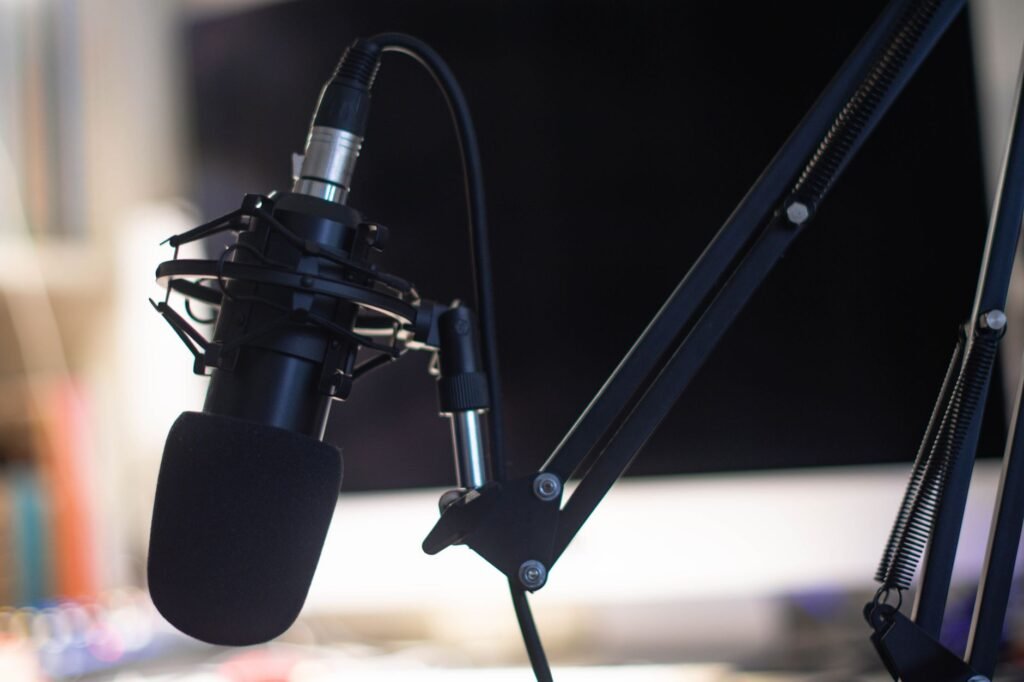
Use a quiet room and a good microphone. Remove noise, level the volume and keep pronunciation of brand names consistent.
Sync with the animation
Lock the voice first, then time scenes to it. Leave short pauses where visuals need a moment.
Add captions
Right-to-left captions let people follow without sound. See how we plan this in our guide to motion graphics agencies in Saudi Arabia.
Common mistakes with Arabic voiceover
A frequent error is translating an English script word for word, which sounds stiff and runs longer than the visuals. Another is choosing a dialect the audience does not connect with, or recording before the script and timing are final. Poor audio quality also lowers trust faster than average visuals do.
- Write the Arabic script directly, not as a translation.
- Choose the dialect or formal Arabic that matches your audience.
- Lock the script before recording, so animation timing fits.
- Check sound levels on a phone speaker, not only headphones.
A simple example
A Saudi training company wants a short video for local learners. It writes the script in a friendly Gulf-leaning tone, records it, then times each animated scene to the sentence it supports. Subtitles are added for viewers who watch without sound.
What to do next
Read your script aloud once. Any sentence that is hard to say will be hard to hear. Then plan your length with our guide on how long an explainer video should be.
See how we work on our Motion graphic videos service, or send us your goal and we will suggest the next step.
Sources and further reading
Related reading

Written by Mahmoud Samir
Digital marketing specialist at BrightSeen
I help businesses in Saudi Arabia and the USA get found on Google and ChatGPT, and turn Google, Instagram and Meta ads into real customers. I write in plain words, and I update my articles when things change.
Frequently asked questions
How do I choose Arabic voiceover for motion graphics videos?
To choose Arabic voiceover for motion graphics videos, pick the dialect that fits your audience, write a script in spoken style, record clean audio with a suitable voice, and time the animation to the voice so every scene lands with the words.
Explain: arabic voiceover for motion graphics videos
Arabic voiceover for motion graphics videos starts with the right dialect for your audience, a script written the way people speak, and clean recording. Time the animation to the voice and add Arabic captions so the video also works on mute. BrightSeen produces Arabic motion videos with voiceover.
Saudi dialect or Modern Standard Arabic?
Saudi or Gulf dialect usually feels closer and more natural for local ads and social videos, while Modern Standard Arabic suits formal, educational or regional content that must be understood across countries. Match the choice to your audience and platform.
Do I need captions?
Yes, add captions, because many people watch videos on mute, especially on social platforms. Arabic captions also help comprehension and accessibility, and they let the message work even when the viewer cannot play sound.
Should I record before animating?
Yes, lock the voiceover first. Once the voice recording and timing are approved, animators can time scenes, transitions and on-screen text to it, which avoids costly re-animation if the script changes later.